
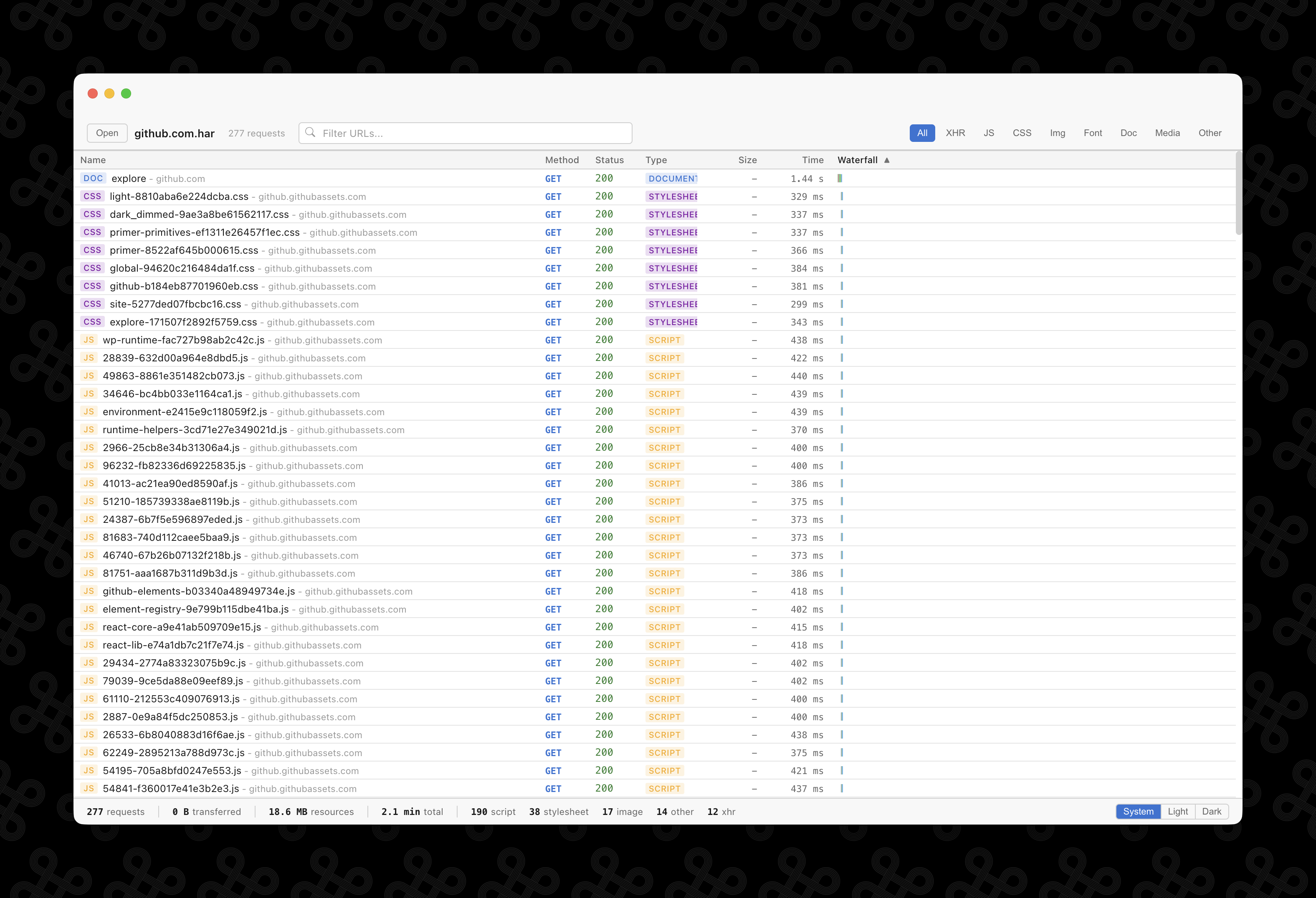
Everything you need to explore HAR files
Filter and search
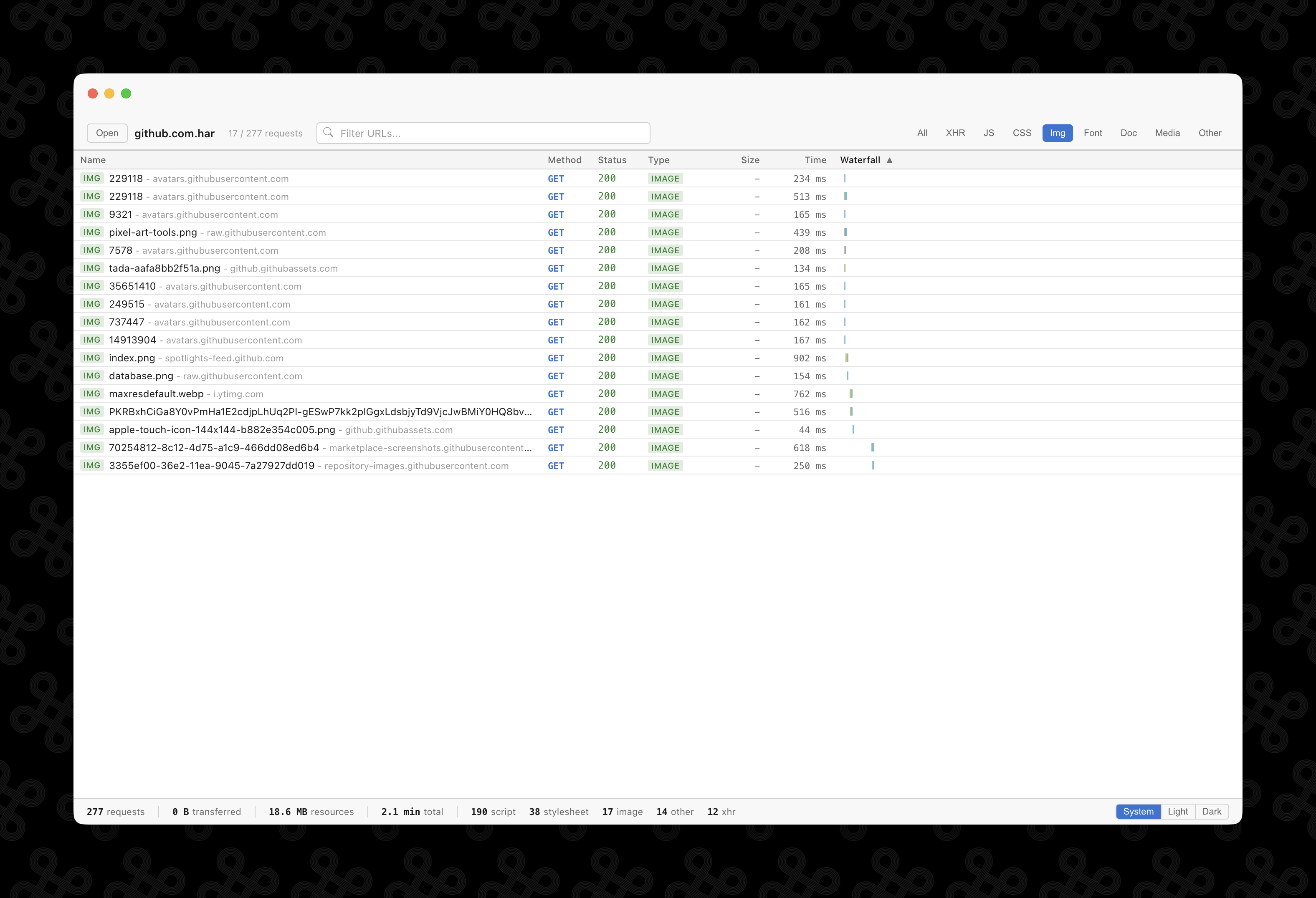
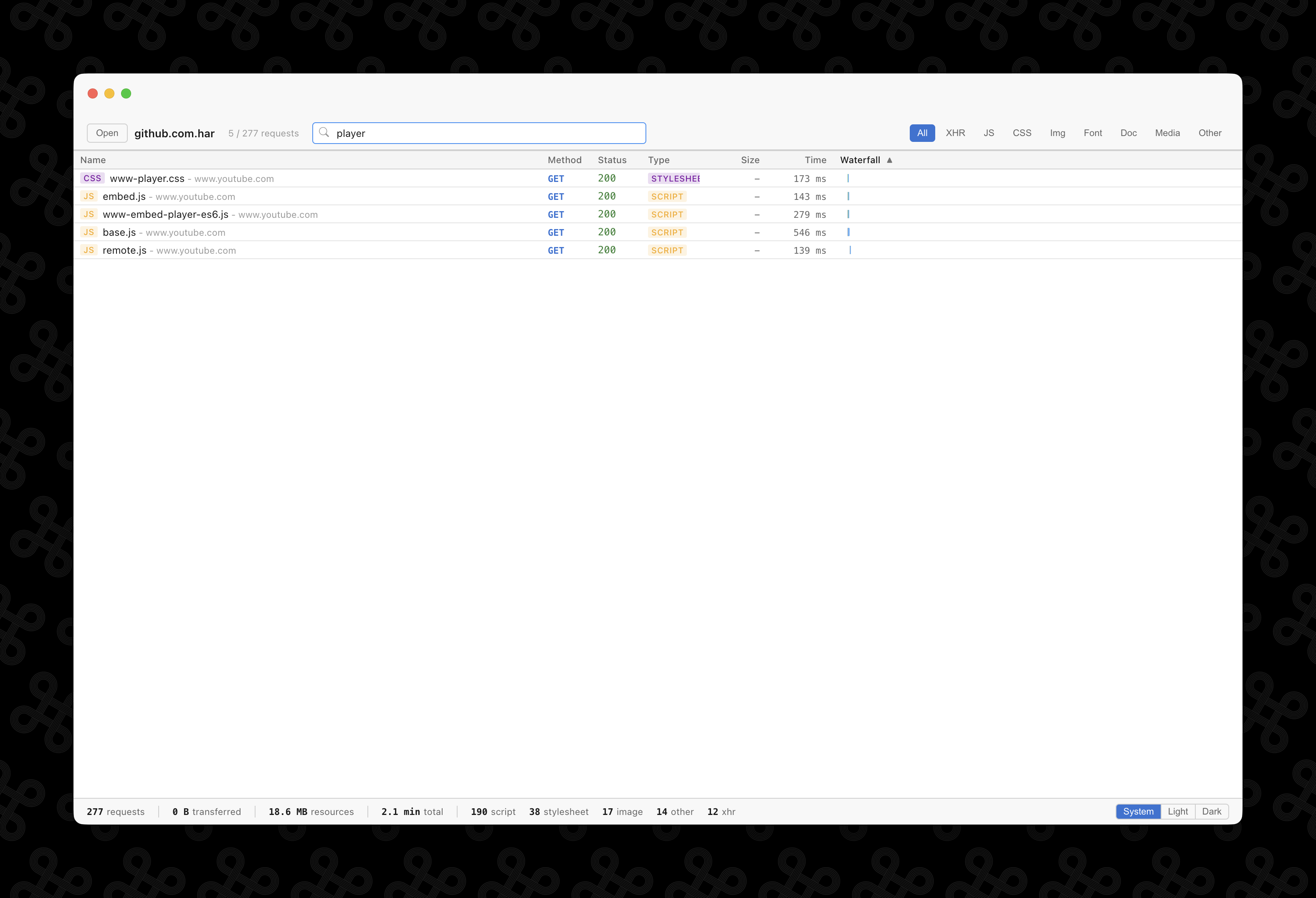
Narrow down requests by content type -- XHR, JS, CSS, images, fonts, and more. Search by URL to find exactly what you're looking for. Sort by any column.
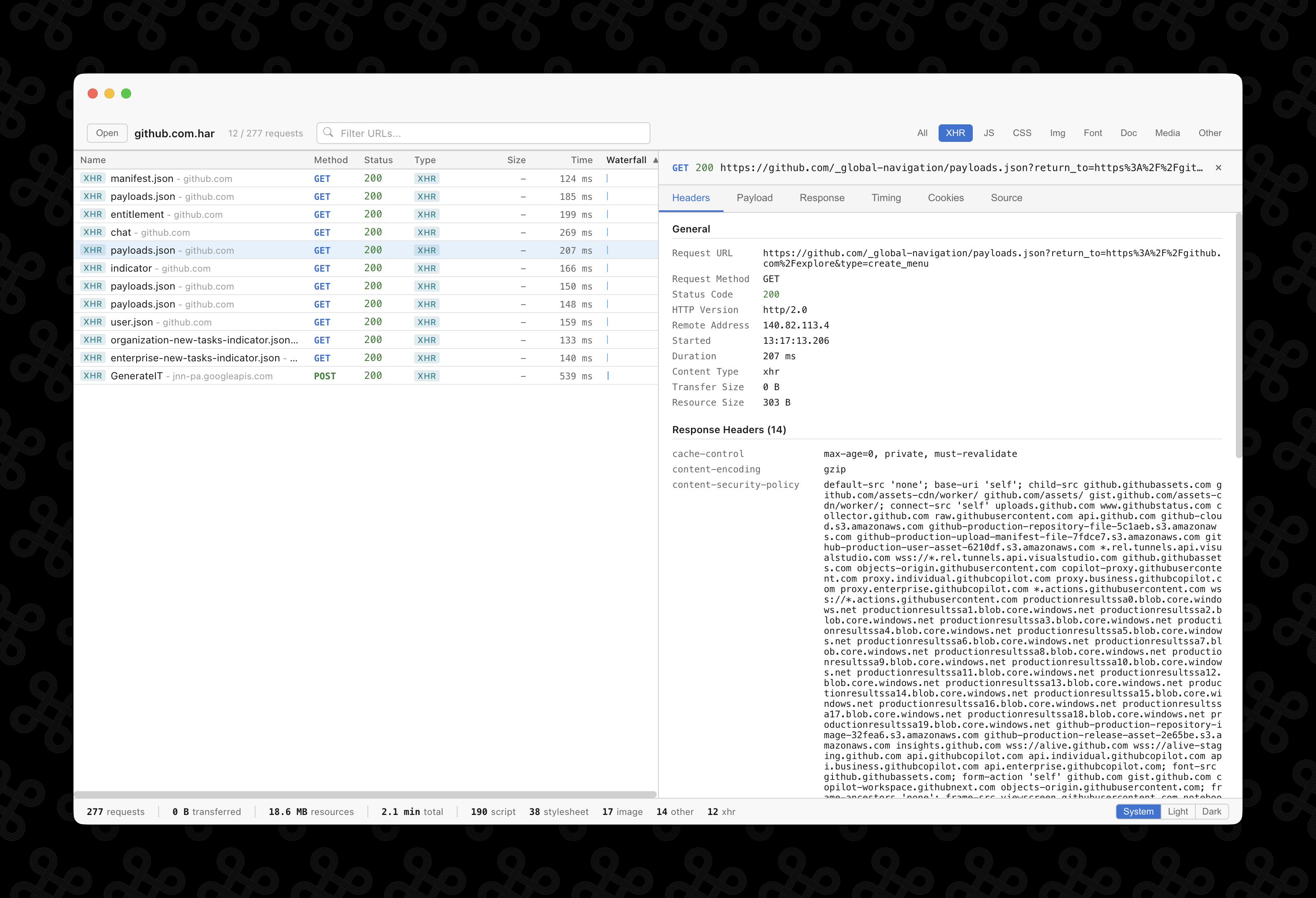
Detailed request inspection
Click any request to inspect headers, payload, response body, cookies, and timing data. See status codes, remote addresses, content types, and transfer sizes at a glance.
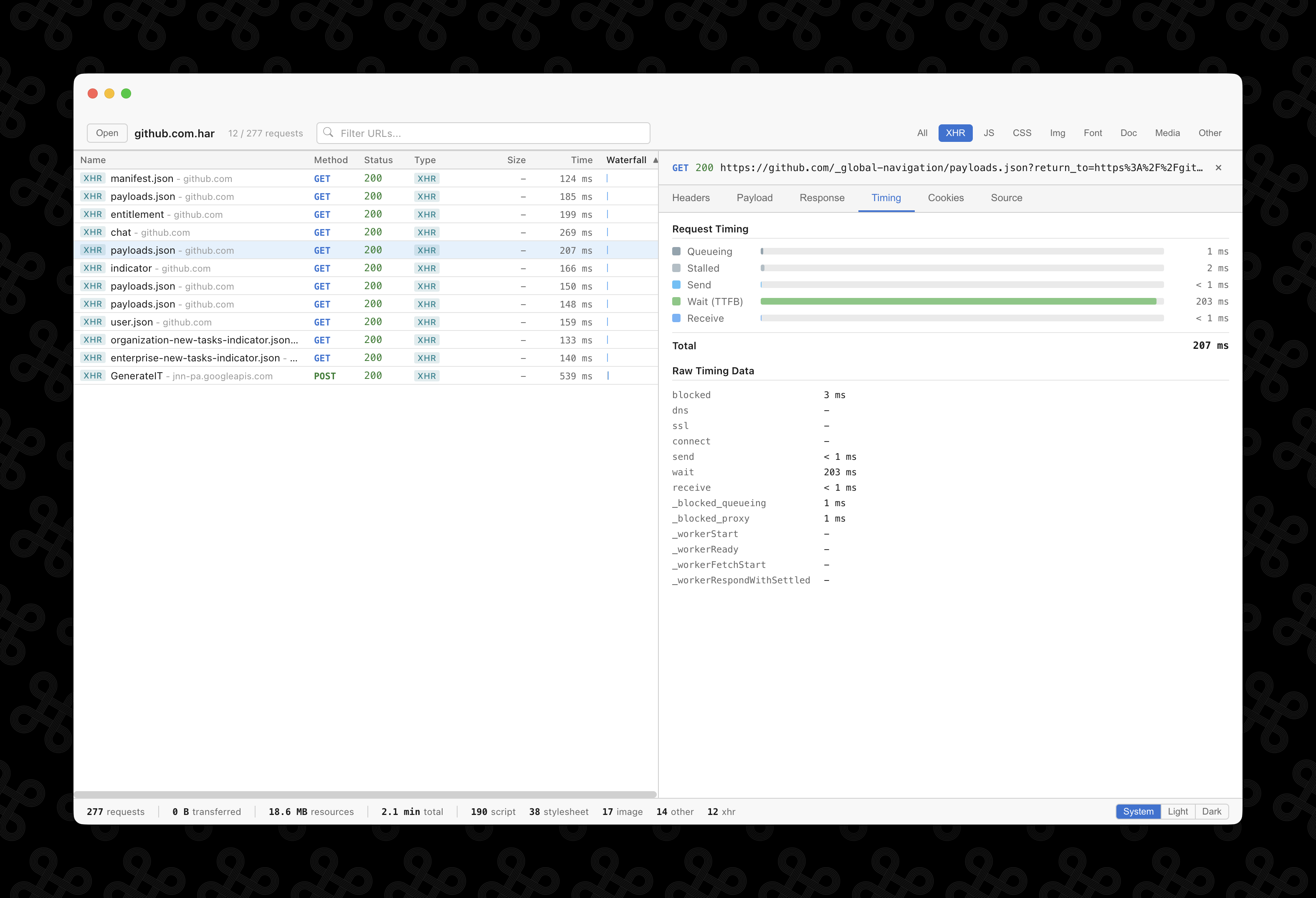
Timing breakdown
Visualize the request lifecycle -- queueing, stalled, send, wait (TTFB), and receive -- with a horizontal bar chart. Identify bottlenecks in your network requests.
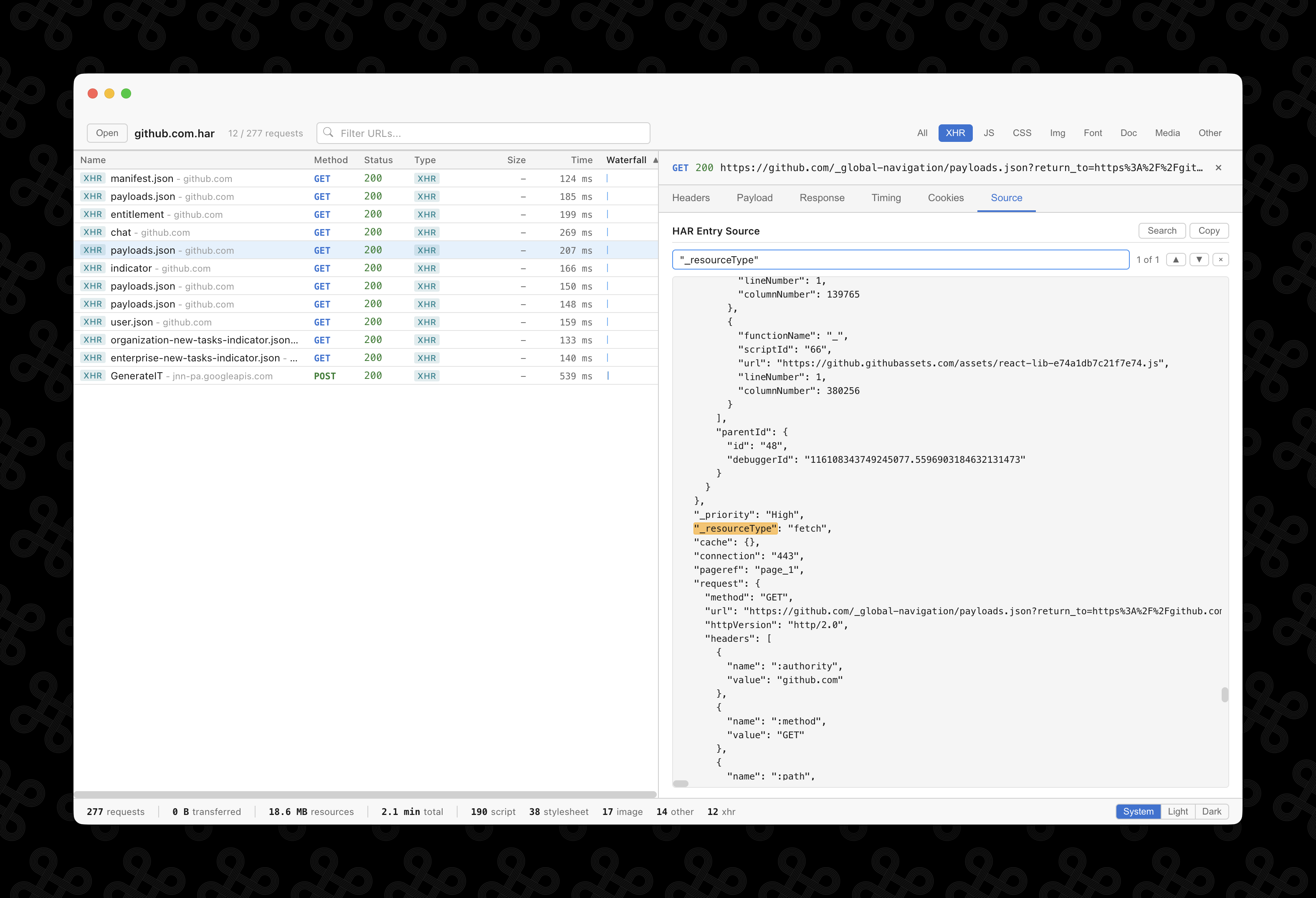
Source search
View the raw HAR JSON for any entry and search through it with match highlighting. Navigate between matches with keyboard shortcuts.
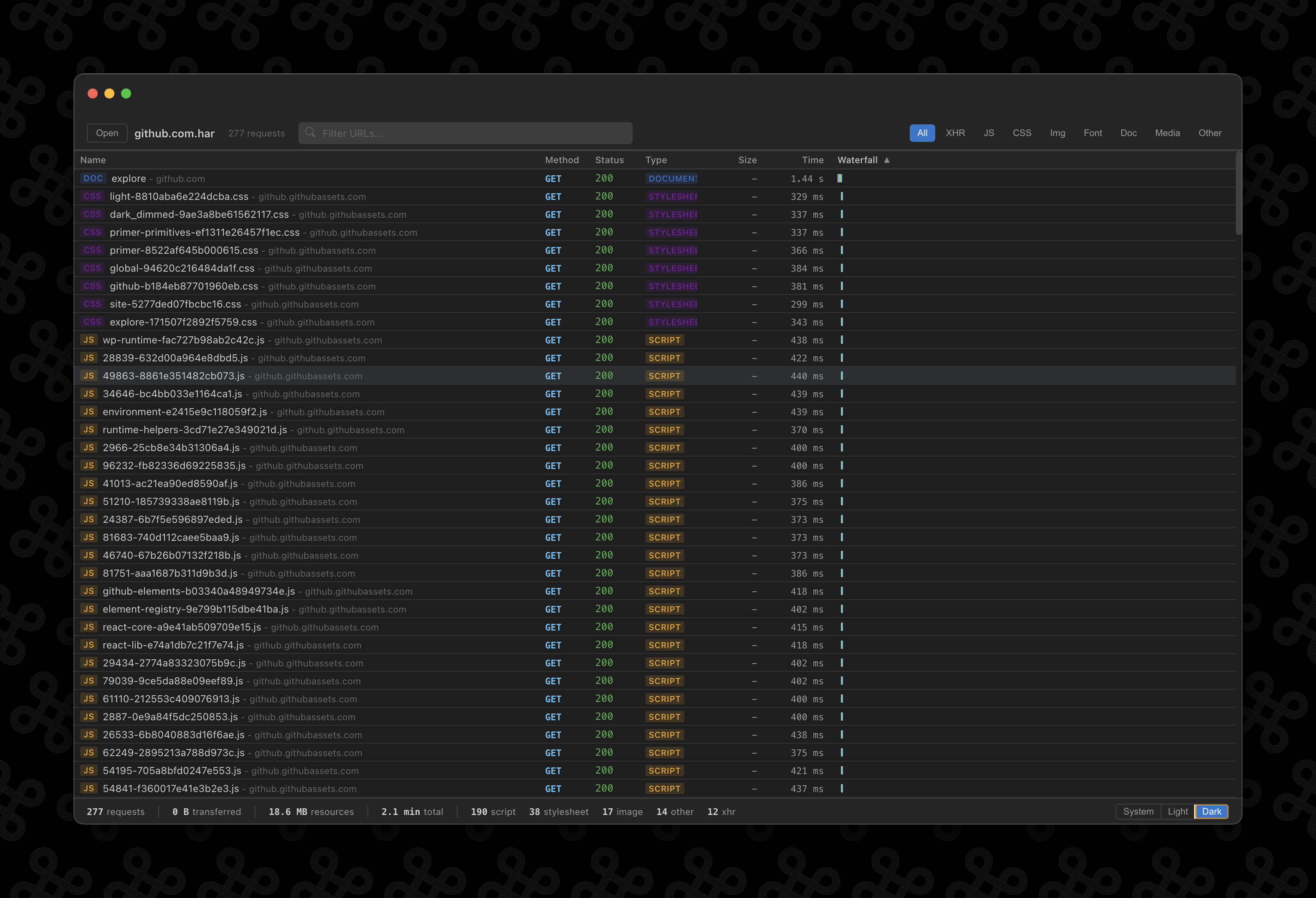
Dark mode
Switch between System, Light, and Dark themes. Your preference is saved across sessions. The app follows your system appearance by default.
And more
Multi-window
Each HAR file opens in its own window. Already-open files are focused instead of duplicated.
Drag and drop
Drop a .har file onto the app window or double-click it in your file manager to open.
Cache detection
Responses served from the browser cache are labeled "(from disk cache)" on the status code.
Auto-updates
The app checks for updates automatically and installs them when you quit.
Code signed
macOS builds are signed with a Developer ID certificate and notarized by Apple. No Gatekeeper warnings.
Open source
MIT licensed. Built with Electron, React, and TypeScript.
Ready to explore?
Download Netscope and start inspecting your network requests.